Is your conversion tracking lying to you? 6 signs to check
Google Ads and Meta optimise toward the conversions you report. If that data is wrong, so is every bidding decision. Here are six warning signs and how to fix them.
Modern ad platforms are only as smart as the data you give them. Google Ads and Meta both use your conversion data to decide who to show ads to and how much to bid. If that data is wrong, the algorithms will confidently optimise toward the wrong thing — and you’ll pay for it.
In our audits, broken or incomplete tracking is one of the most common problems we find. Here are six signs to look for.
1. Your reported conversions don’t match reality
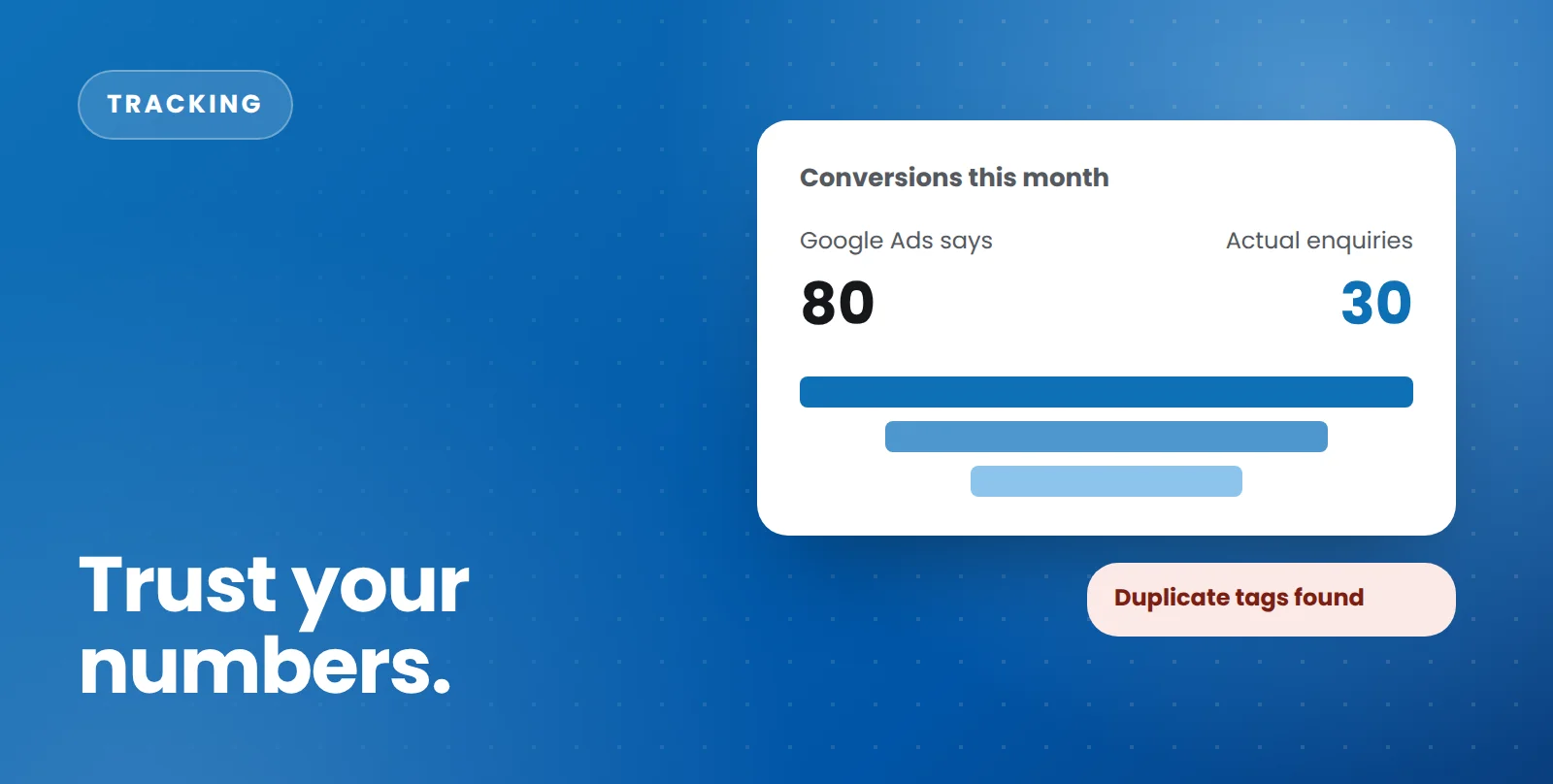
Pull the number of conversions Google Ads reported last month and compare it with the enquiries or sales you actually received. They won’t match perfectly — attribution differs, and not every conversion comes from ads — but if Google says 80 leads and you received 30, something is wrong.
2. Conversions are being counted twice
Duplicate counting is common when tracking has been set up more than once — for example, a conversion tag added directly to the website and through Google Tag Manager, or both a Google Ads tag and an imported GA4 conversion counting the same action. Look for conversion counts that are suspiciously close to double what you’d expect.
3. Conversions suddenly dropped to zero
A sudden drop often coincides with a website change: a new form plugin, a redesigned thank-you page, or a developer removing code they didn’t recognise. If you’ve changed anything on your site recently, test your forms and check your conversion data the same week.
4. Phone calls aren’t being tracked
For many service businesses, the phone is the most valuable enquiry channel — and the least tracked. Without call tracking, campaigns that drive calls look like failures, and Smart Bidding under-values them. Tracking clicks on your phone number and calls from your ads is a minimum.
5. GA4 shows lots of “(not set)” or “Unassigned” traffic
Large amounts of traffic with no source usually point to tagging problems: missing UTM parameters on email and social links, redirects stripping tracking information, or consent settings blocking data. It makes it impossible to tell which channels are actually working.
6. You’re tracking actions that aren’t really conversions
Page views, button clicks and time-on-site are useful signals, but they aren’t leads. If your ad account counts these as primary conversions, Smart Bidding will happily find you people who click buttons rather than people who buy. Keep your primary conversions to real business outcomes: enquiries, bookings, calls and sales.
How to fix it
- Audit what’s installed. List every tag on your site and every conversion action in Google Ads, GA4 and Meta.
- Define what counts. Agree which actions are genuine conversions, and which are secondary signals.
- Rebuild cleanly in Google Tag Manager. One container, clear naming, and no duplicate tags.
- Test every conversion end to end. Submit your own forms, click your own phone number and check each one appears where it should.
- Keep checking. Re-test after any website change.
Conversion tracking is set up and checked as part of all our Google Ads and Meta Ads management. If you’re not sure whether your numbers can be trusted, ask us for a free audit and we’ll test your tracking end to end.
Talk to our team
Whether it’s ads, SEO, email or your website, we’ll give you clear, practical advice for your business.